Code editor
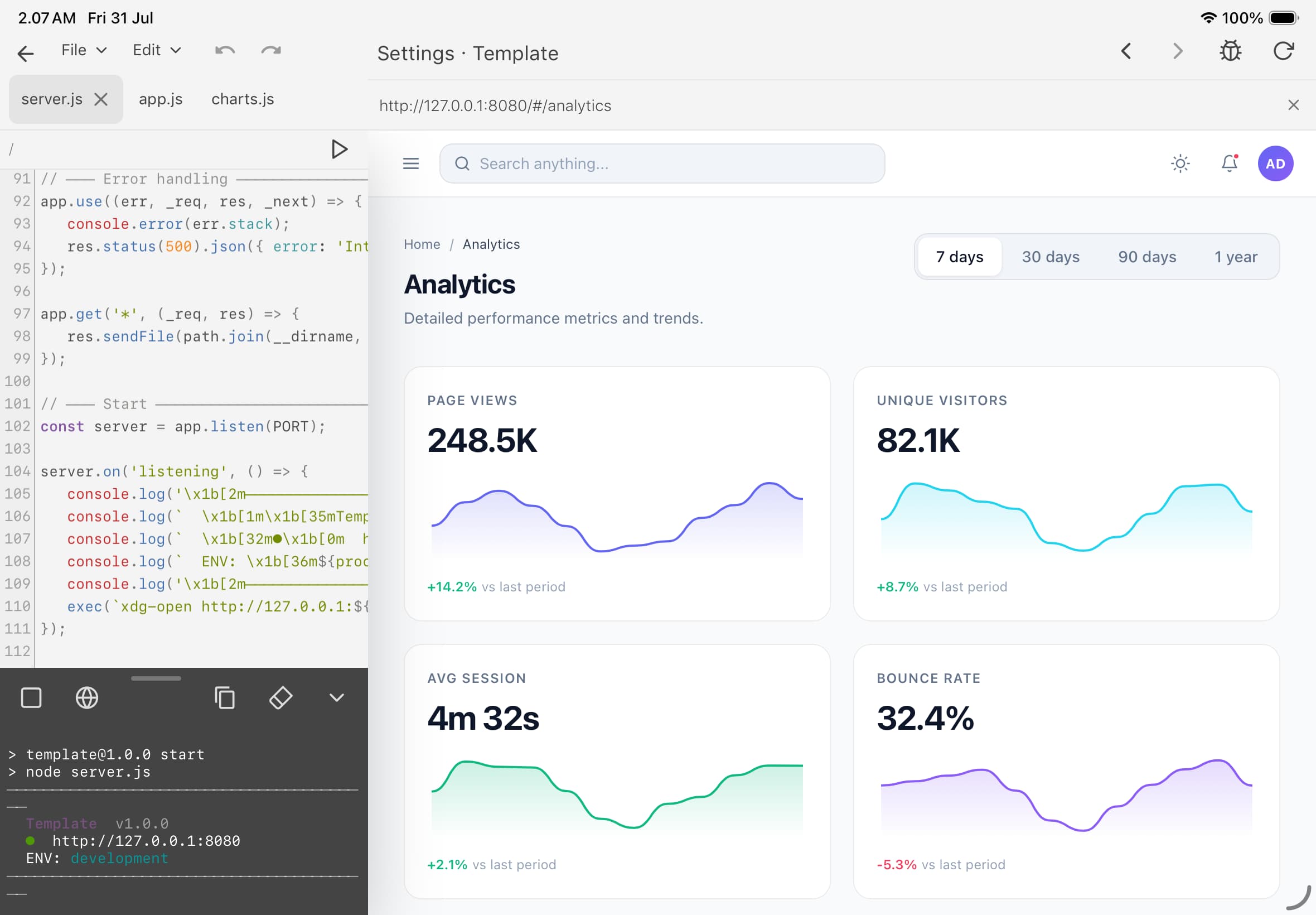
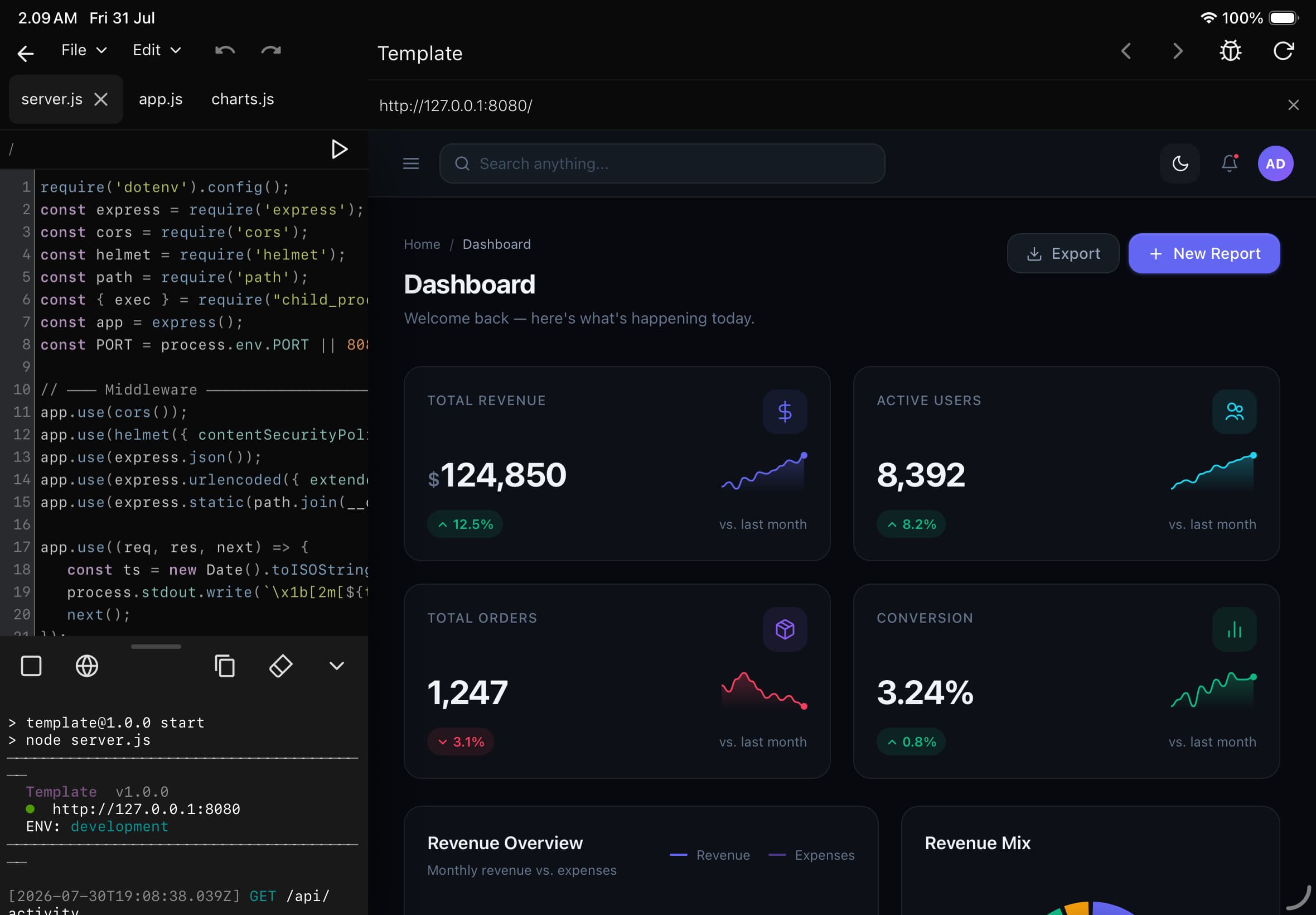
Syntax highlighting for PHP, Node.js, and Python, plus find and replace. The keyboard bar puts the brackets, quotes, and operators that iOS buries two taps deep right above the keys.
DevBox runs PHP, Node.js, and Python locally on your iPhone or iPad. You get an editor, a real terminal, Git, MariaDB, phpMyAdmin, and an AI assistant — everything you need to build and ship a project right from your phone.

The tools you already know from your laptop, running on the device in your hand.
Syntax highlighting for PHP, Node.js, and Python, plus find and replace. The keyboard bar puts the brackets, quotes, and operators that iOS buries two taps deep right above the keys.
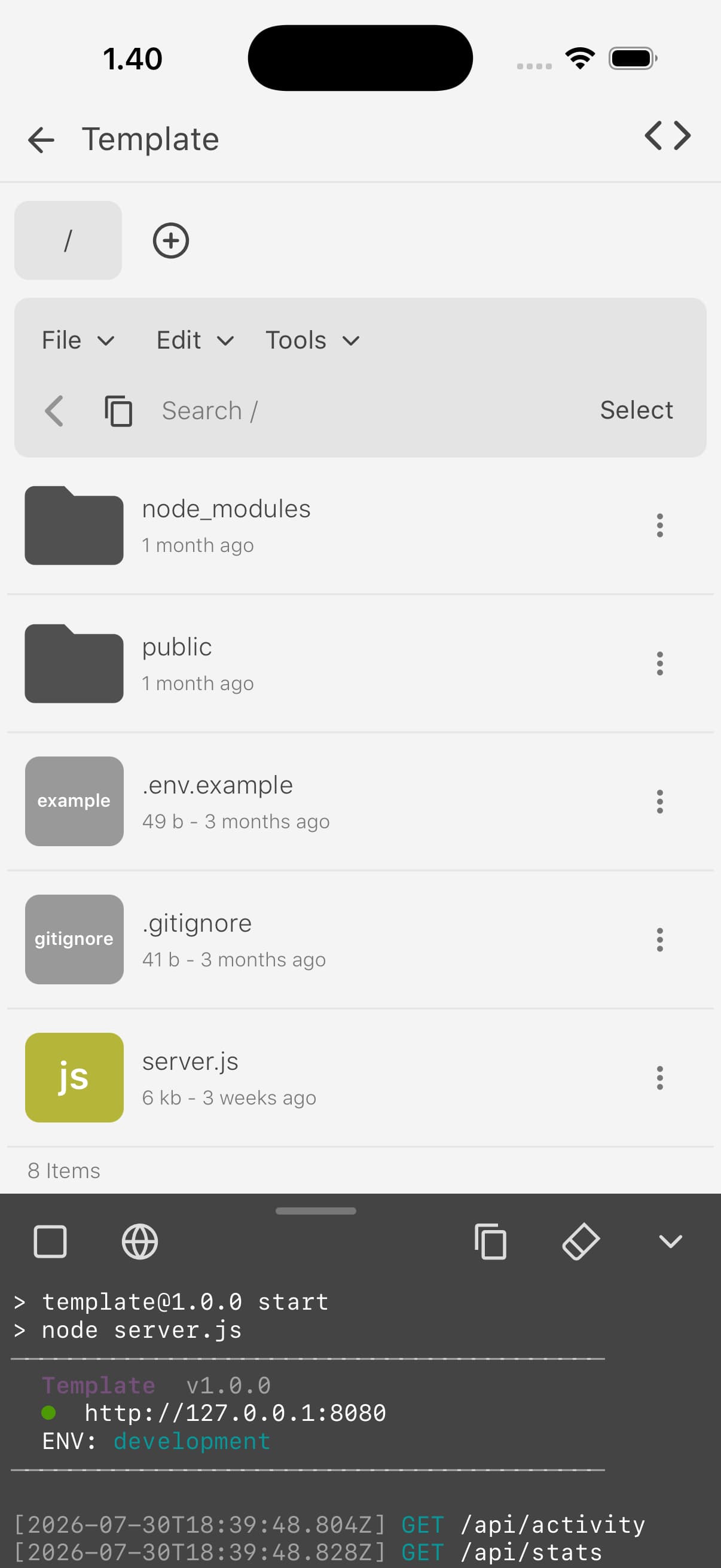
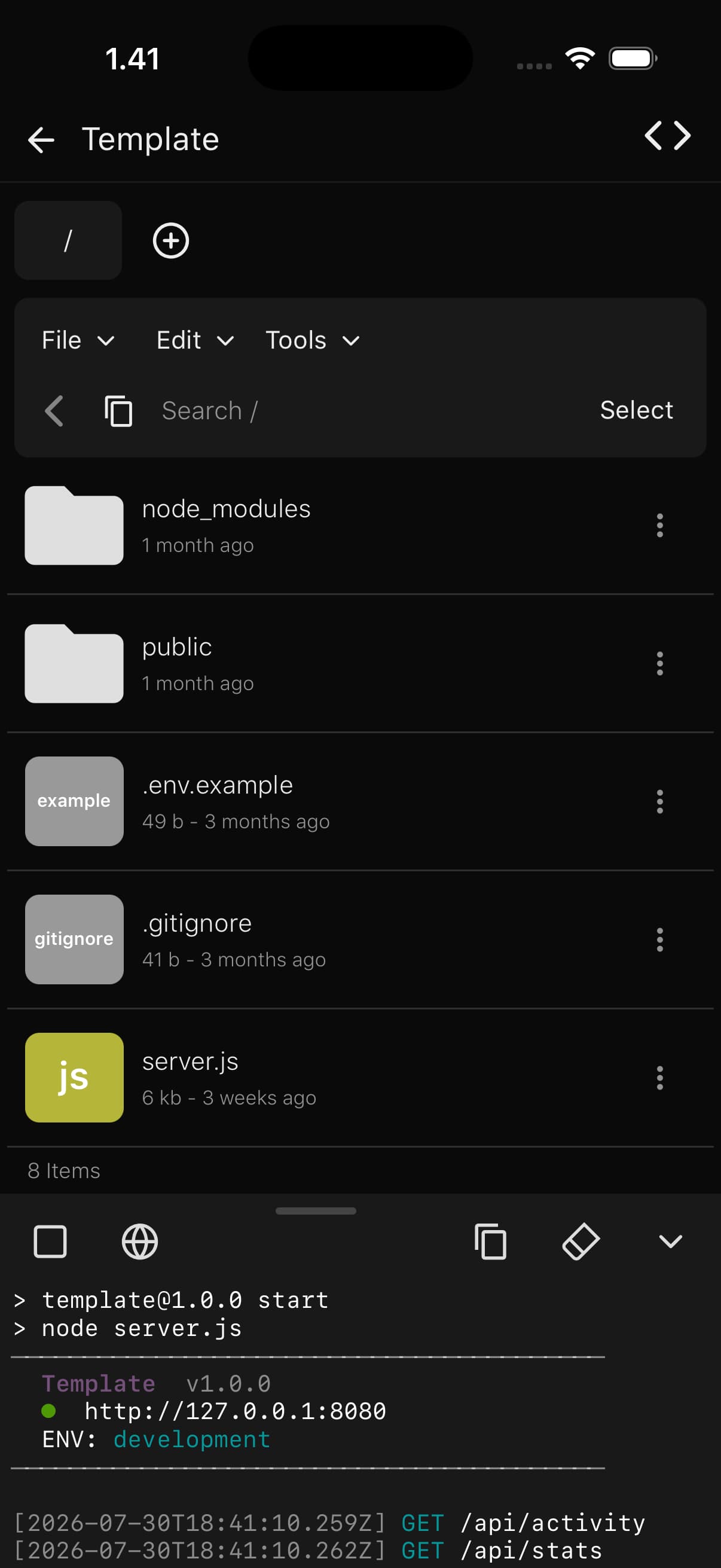
Run a PHP, Node.js, or Python dev server on the device. Watch stdout and request logs in the run panel as they come in.
A MariaDB server running on the device. Create databases and users, then connect from your PHP or Node.js code the same way you would against any MySQL host.
A real terminal that takes any command. Run your build scripts, package managers, and git commands, with the history and scrollback you expect from a shell.
Clone, commit, branch, and push or pull over HTTPS or SSH, all from inside the app.
Generate a new project from a prompt, refactor files, improve code, or add comments with AI
The full phpMyAdmin, wired to your local MariaDB. Run SQL, edit tables, and import or export dumps from the browser.
Composer, npm, and pip work the way they do everywhere. Installs run in the terminal, so you watch the real output line by line.
Each project keeps its own files, dependencies, and server settings, and stays isolated from the rest.
The layout is built for a touchscreen from the ground up. The keyboard bar keeps braces, brackets, and semicolons one tap away.
Start a local server with one tap. The built-in WebKit browser opens next to your code, and logs stream in as it runs. It is the same edit, save, refresh loop you have at your desk.
The runtimes and tools ship inside the app, ready to go the moment you install it.
Pick PHP, Node.js, or Python. DevBox sets up the runtime and folder layout for you.
Edit your files and pull in dependencies with Composer, npm, or pip when you need them.
Hit Run. The server starts and the WebKit preview opens on your project.
DevBox runs on iPhone, iPad, and Mac (Designed for iPad). It supports iOS and iPadOS 14 or later, and the layout automatically adapts to each device.
Yes. Editing, running, and previewing all work offline. The internet comes into play only when you install packages or reach a remote Git repo.
Yes, all three. Use them from the terminal or the package panel in each project.
In DevBox's own storage by default. You can also open files from anywhere the Files app reaches, like iCloud Drive, FTP, or SSH.
That is the plan. PHP, Node.js, and Python are the first three, with more in future updates.
Editor, local servers, MariaDB, Git, and a WebKit preview — all on your iPhone or iPad, all offline. Get it on the App Store.